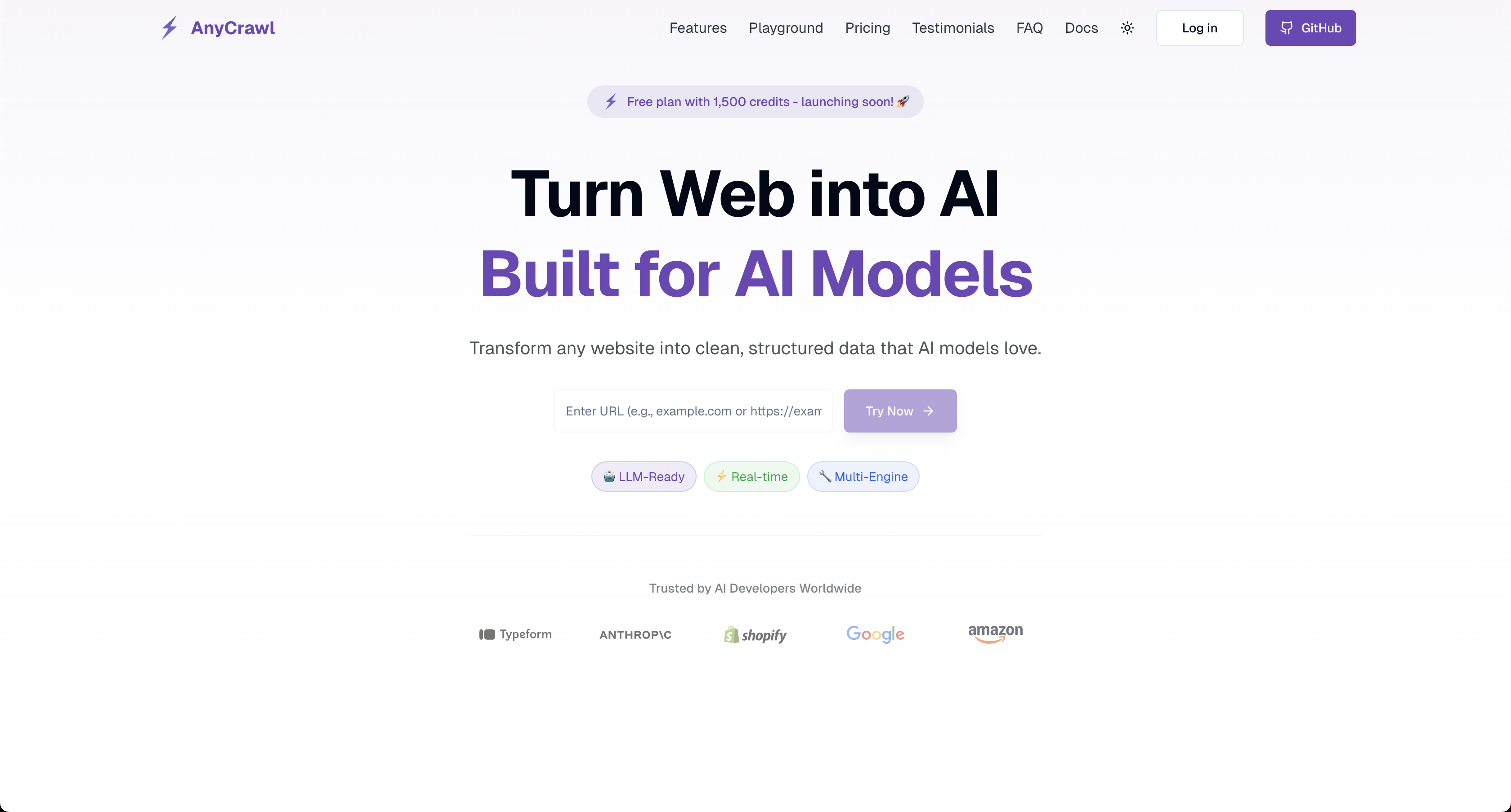
AnyCrawl: High-performance AI Crawler
AnyCrawl: Power Your AI Apps with Structured Data
In today's data-driven world, extracting structured data from web pages has become a core requirement for businesses and developers. AnyCrawl, as a powerful web scraping platform, provides you with a complete solution from single-page data extraction to large-scale website crawling.
What is AnyCrawl?
AnyCrawl is a professional web data scraping API service, specifically optimized for Large Language Models (LLMs), capable of converting any webpage into structured data. Whether you need to scrape a single page or crawl an entire website, AnyCrawl provides efficient and reliable solutions.
Core Advantages
- 🚀 Instant Response: Scrape API provides synchronous results with no waiting required
- 🏗️ Multi-Engine Support: Supports three scraping engines: Cheerio, Playwright, and Puppeteer
- ⚡ Native High Concurrency: No need to worry about concurrency limits, supports large-scale parallel processing
- 🎯 LLM Optimized: Automatically generates Markdown format, perfectly compatible with AI models
- 🔧 Flexible Configuration: Rich parameter options to meet various complex requirements
- 🌐 Proxy Support: Built-in high-quality proxies to break through geographical restrictions
Two Core Functions
1. Scrape API - Single Page Data Extraction
Scrape API is specifically designed for extracting data from individual web pages, returning results synchronously without the need for polling or callbacks.
Basic Usage
curl -X POST "https://api.anycrawl.dev/v1/scrape" \
  -H "Authorization: Bearer <your-api-key>" \
  -H "Content-Type: application/json" \
  -d '{
    "url": "https://example.com",
    "engine": "cheerio"
  }'
JavaScript Example
const response = await fetch('https://api.anycrawl.dev/v1/scrape', {
  method: 'POST',
  headers: {
    Authorization: 'Bearer YOUR_API_KEY',
    'Content-Type': 'application/json',
  },
  body: JSON.stringify({
    url: 'https://example.com',
    engine: 'playwright',
    formats: ['markdown', 'html'],
    wait_for: 2000,
  }),
});

const result = await response.json();
console.log(result.data.markdown);
Python Example
import requests

response = requests.post(
    'https://api.anycrawl.dev/v1/scrape',
    headers={
        'Authorization': 'Bearer YOUR_API_KEY',
        'Content-Type': 'application/json'
    },
    json={
        'url': 'https://example.com',
        'engine': 'cheerio',
        'formats': ['markdown', 'text'],
        'timeout': 30000
    }
)

data = response.json()
print(data['data']['markdown'])
2. Crawl API - Full Site Data Crawling
Crawl API is used for discovering and processing multiple pages, processed asynchronously, suitable for large-scale data scraping tasks.
Creating a Crawl Job
curl -X POST "https://api.anycrawl.dev/v1/crawl" \
  -H "Authorization: Bearer <YOUR_API_KEY>" \
  -H "Content-Type: application/json" \
  -d '{
    "url": "https://example.com",
    "engine": "cheerio",
    "strategy": "same-domain",
    "max_depth": 5,
    "limit": 100,
    "exclude_paths": ["/blog/*"],
    "scrape_options": {
      "formats": ["markdown"],
      "timeout": 60000
    }
  }'
JavaScript Complete Workflow
// 1. Create crawl job
const start = await fetch('https://api.anycrawl.dev/v1/crawl', {
  method: 'POST',
  headers: {
    Authorization: 'Bearer YOUR_API_KEY',
    'Content-Type': 'application/json',
  },
  body: JSON.stringify({
    url: 'https://example.com',
    engine: 'cheerio',
    strategy: 'same-domain',
    max_depth: 5,
    limit: 100,
    exclude_paths: ['/blog/*'],
    scrape_options: { formats: ['markdown'], timeout: 60000 },
  }),
});

const startResult = await start.json();
const jobId = startResult.data.job_id;

// 2. Poll status
const checkStatus = async () => {
  const statusRes = await fetch(`https://api.anycrawl.dev/v1/crawl/${jobId}/status`, {
    headers: { Authorization: 'Bearer YOUR_API_KEY' },
  });
  return await statusRes.json();
};

// 3. Fetch results (paginated)
const fetchResults = async () => {
  let skip = 0;
  const allResults = [];

  while (true) {
    const res = await fetch(`https://api.anycrawl.dev/v1/crawl/${jobId}?skip=${skip}`, {
      headers: { Authorization: 'Bearer YOUR_API_KEY' },
    });

    const page = await res.json();
    allResults.push(...page.data);

    if (!page.next) break;
    const nextUrl = new URL(page.next);
    skip = Number(nextUrl.searchParams.get('skip') || 0);
  }

  return allResults;
};
Scraping Engine Selection Guide
Cheerio (Default)
- Use Cases: Static HTML pages
- Advantages: Fastest speed, lowest cost
- When to Use: Content doesn't rely on JavaScript rendering
Playwright
- Use Cases: Modern websites requiring JavaScript rendering
- Advantages: Cross-browser support, powerful functionality
- When to Use: SPA applications, dynamic content loading
Puppeteer
- Use Cases: Chrome-optimized JavaScript rendering
- Advantages: Chrome engine specifically optimized
- When to Use: Scenarios requiring Chrome-specific features
Output Format Details
AnyCrawl supports multiple output formats to meet different use cases:
- markdown: LLM-friendly Markdown format (recommended)
- html: Cleaned HTML content
- text: Plain text content
- screenshot: Page screenshot
- screenshot@fullPage: Full page screenshot
- rawHtml: Raw HTML code
- json: Structured JSON data
Advanced Features
1. JSON Mode - AI-Driven Structured Extraction
const response = await fetch('https://api.anycrawl.dev/v1/scrape', {
  method: 'POST',
  headers: {
    Authorization: 'Bearer YOUR_API_KEY',
    'Content-Type': 'application/json',
  },
  body: JSON.stringify({
    url: 'https://example.com/product',
    engine: 'playwright',
    formats: ['json'],
    json_options: {
      schema: {
        type: 'object',
        properties: {
          title: { type: 'string' },
          price: { type: 'number' },
          description: { type: 'string' },
          availability: { type: 'boolean' },
        },
      },
      user_prompt:
        'Extract product information including title, price, description, and availability',
    },
  }),
});
2. Smart Path Control
// Crawl control example
{
  "url": "https://example.com",
  "strategy": "same-domain",        // Limit to same domain
  "max_depth": 3,                   // Maximum depth
  "limit": 50,                      // Maximum pages
  "include_paths": ["/products/*"], // Only include product pages
  "exclude_paths": ["/admin/*", "/login/*"] // Exclude admin and login pages
}
3. Proxy Configuration
- We provide high-quality proxy IPs, which usually require no additional configuration, but if you have special needs, custom proxy IPs are also supported.
{
  "url": "https://example.com",
  "proxy": "http://proxy-server:8080",
  "scrape_options": {
    "timeout": 30000,
    "retry": true
  }
}
Real-World Use Cases
1. E-commerce Data Monitoring
// Monitor competitor prices
const monitorPrices = async urls => {
  const promises = urls.map(url =>
    fetch('https://api.anycrawl.dev/v1/scrape', {
      method: 'POST',
      headers: {
        Authorization: 'Bearer YOUR_API_KEY',
        'Content-Type': 'application/json',
      },
      body: JSON.stringify({
        url,
        engine: 'cheerio',
        formats: ['json'],
        json_options: {
          schema: {
            type: 'object',
            properties: {
              product_name: { type: 'string' },
              price: { type: 'number' },
              stock_status: { type: 'string' },
            },
          },
        },
      }),
    }).then(res => res.json())
  );

  const results = await Promise.all(promises);
  return results.map(r => r.data.json);
};
2. Content Aggregation
// News content aggregation
const crawlNews = async newsUrl => {
  const crawlResponse = await fetch('https://api.anycrawl.dev/v1/crawl', {
    method: 'POST',
    headers: {
      Authorization: 'Bearer YOUR_API_KEY',
      'Content-Type': 'application/json',
    },
    body: JSON.stringify({
      url: newsUrl,
      engine: 'cheerio',
      strategy: 'same-domain',
      include_paths: ['/news/*', '/articles/*'],
      exclude_paths: ['/ads/*', '/comments/*'],
      scrape_options: {
        formats: ['markdown'],
        include_tags: ['article', '.content', '.post-body'],
      },
    }),
  });

  return await crawlResponse.json();
};
3. Market Research
// Competitor analysis
const analyzeCompetitor = async competitorUrl => {
  return await fetch('https://api.anycrawl.dev/v1/scrape', {
    method: 'POST',
    headers: {
      Authorization: 'Bearer YOUR_API_KEY',
      'Content-Type': 'application/json',
    },
    body: JSON.stringify({
      url: competitorUrl,
      engine: 'playwright',
      formats: ['markdown', 'json'],
      json_options: {
        user_prompt:
          "Analyze this website's main products, services, pricing strategy, and target customer segments",
      },
    }),
  }).then(res => res.json());
};
High Concurrency Processing
AnyCrawl natively supports high concurrency, allowing you to send multiple requests simultaneously without worrying about rate limits:
const batchScrape = async urls => {
  // Process multiple URLs concurrently
  const promises = urls.map(url =>
    fetch('https://api.anycrawl.dev/v1/scrape', {
      method: 'POST',
      headers: {
        Authorization: 'Bearer YOUR_API_KEY',
        'Content-Type': 'application/json',
      },
      body: JSON.stringify({ url, engine: 'cheerio', formats: ['markdown'] }),
    }).then(res => res.json())
  );

  const results = await Promise.all(promises);
  return results.filter(r => r.success);
};

// Process 1000 URLs
const urls = [
  'https://example.com/page1',
  'https://example.com/page2',
  'https://example.com/page3',
  // ... add more URLs
];
const batchSize = 50;
const allResults = [];

for (let i = 0; i < urls.length; i += batchSize) {
  const batch = urls.slice(i, i + batchSize);
  const batchResults = await batchScrape(batch);
  allResults.push(...batchResults);

  console.log(`Processed ${Math.min(i + batchSize, urls.length)}/${urls.length} URLs`);
}
Pricing and Quota Management
Understanding the Billing Model
- Scrape API: Charged per request, provides instant results
- Crawl API: Charged per discovered page, ideal for large-scale crawling operations
- LLM Extract (JSON): Charged 5 credits per page.
Cost Optimization Recommendations
- Smart Engine Selection: Start with Cheerio for cost efficiency, upgrade to Playwright only when JavaScript rendering is required
- Precise Path Control: Use
include_pathsandexclude_pathsto avoid scraping unnecessary pages - Reasonable Depth Setting: Set appropriate
max_depthandlimitparameters based on your actual requirements - Format Selection: Request only the output formats you actually need to minimize processing costs
Security and Compliance
Ethical Usage Principles
- Respect robots.txt: Always check and follow website crawling protocols and directives
- Reasonable Request Frequency: Avoid overloading target websites with excessive requests
- Data Protection: Ensure compliant handling of personal information and sensitive data according to GDPR and other privacy regulations
- Legal Compliance: Adhere to local laws, regulations, and website terms of service
Conclusion
AnyCrawl, as a comprehensive web data scraping solution, provides efficient and reliable services whether you need to scrape a single page or crawl an entire website. Its LLM-optimized features make it an ideal choice for AI application development.
Get Started Now
- Register Account: Visit the AnyCrawl website to get your API key
- Choose Plan: Select Scrape or Crawl API based on your needs
- Integrate Code: Use our provided examples for quick integration
- Optimize Configuration: Adjust parameters based on target website characteristics
With AnyCrawl, converting web data into structured information has never been easier. Start your data scraping journey today and unlock the unlimited potential of web data!
Related Resources
Need help? Please contact [email protected].